
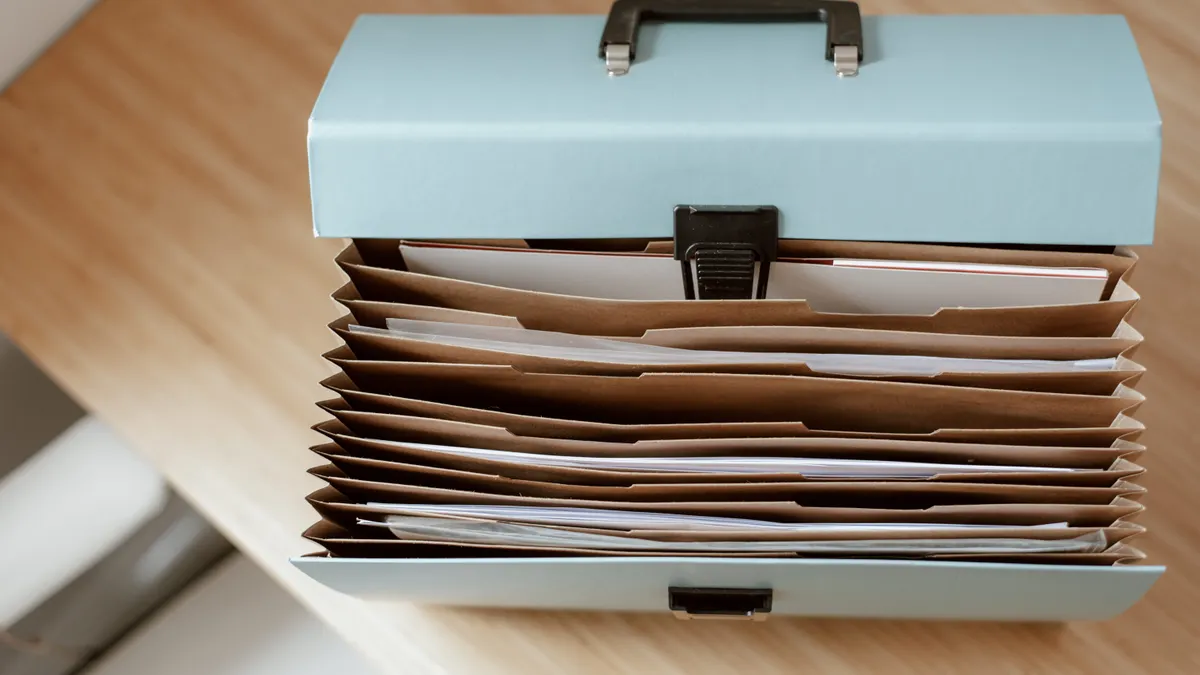
How to Organize Receipts, Emails
Last updated: October 24, 2026
Quick Answer: Use a 4-folder system, one timeline, and one file-name pattern; that is the fastest way to organize How to Organize Receipts, Emails, and Screenshots for a Consumer Dispute records without losing context. A good consumer dispute evidence file turns a messy pile of receipts, emails, and screenshots into a clear story you can hand to a company or a third party. The goal is simple: one folder, one chronology, one file name system, and copies that still open months later.
Key Takeaways
- Put every receipt, email, screenshot, PDF, and chat log into one dated file structure before you write anything else.
- Name files so the date, company, and event are visible without opening them.
- Build a timeline first, then sort evidence to match it.
- Save original exports and PDF copies; screenshots alone are weak if they hide context.
- Keep at least one backup copy in a separate place, because a dispute often lasts longer than your phone storage.
- This system is for refunds, complaints, and warranty fights; it is not the same as an attachment packet, a demand letter, or a chargeback file.
What a consumer dispute evidence file should contain
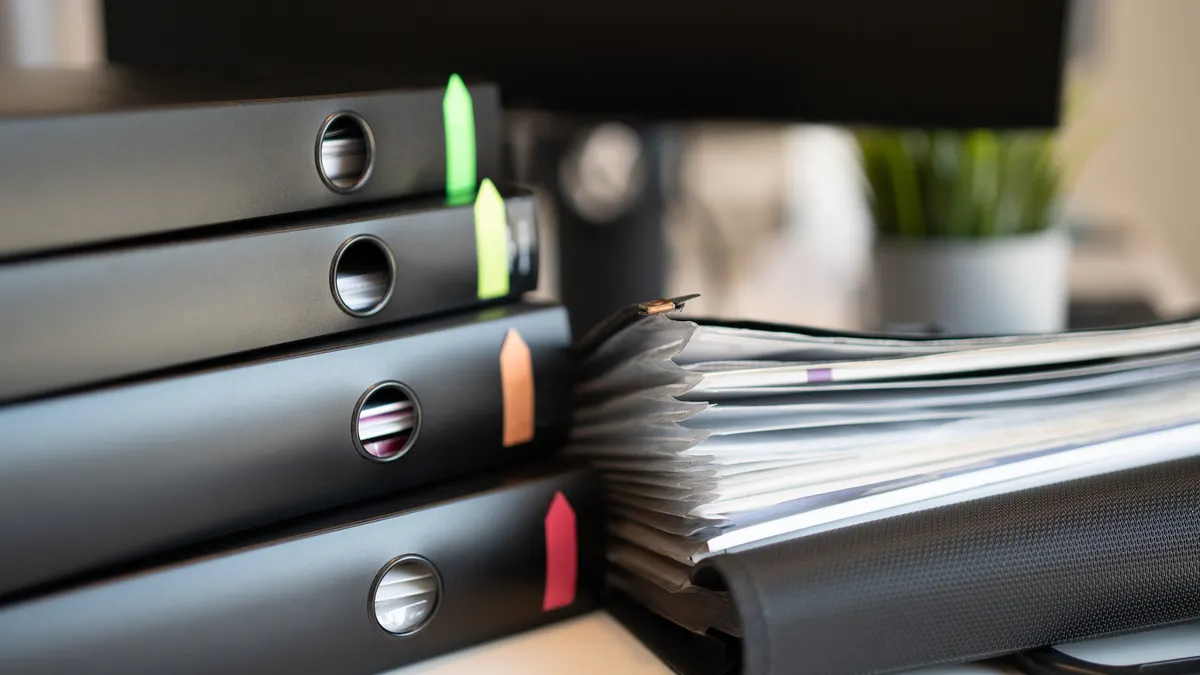
A consumer dispute evidence file should contain a short timeline plus the records that prove each event happened. That usually means receipts, order confirmations, email threads, screenshots, PDFs, and chat logs arranged in date order, not in the order they arrived in your inbox.
Start with the basics: the purchase date, the product or service name, the amount paid, the company name, and the problem date. If you do not have all five yet, gather them before sorting anything. A dispute over a broken appliance, a canceled booking, or a late refund becomes much easier to explain when those details sit at the top of the file.
The file should be usable on a laptop, a phone, or in email. That means choosing formats that open cleanly. PDFs are best for receipts, invoices, statements, and exports because they preserve layout. JPG or PNG works for screenshots. If a chat tool lets you export a conversation as PDF or TXT, save that export instead of relying only on screen captures.
Do not throw everything into one giant album called “Proof.” That leaves you with dozens of files you cannot sort fast. A dispute file works best when every item answers one question: what happened, when did it happen, and what document shows it? The structure matters more than the brand of cloud storage.
If you are building a broader evidence system for complaints and warranty claims, the consumer protection evidence and records hub should sit above this page as the bigger map.
How do I organize receipts, emails, and screenshots for a consumer dispute?
You organize them by date, event, and file type, then save them in one folder structure that matches the story of the dispute. The easiest system is a master folder with 4 subfolders: 01 Timeline, 02 Receipts, 03 Emails, and 04 Screenshots.
Follow these steps in order.
- Create one master folder on your computer or cloud drive named with the company and issue, such as “Acme_Warranty_Dispute_2026-03.” When it works, you can open one place and see every record together instead of hunting across Downloads, Photos, and Mail. If you need a deeper filing structure, the dispute records guide can help you keep the system consistent.
- Add a simple timeline document in the 01 Timeline folder. Use a plain text file, Word document, or spreadsheet with 3 columns: date, event, and source. When it works, you can read the dispute in under 2 minutes from top to bottom.
- Save receipts and invoices as PDFs in the 02 Receipts folder. If the seller emails a receipt, save the email as PDF and keep the attachment too. When it works, each receipt opens with the purchase date, total, and merchant name visible on the first page. The FTC’s consumer advice on receipts and records supports keeping purchase documents together with the rest of your proof.
- Export email threads instead of copying and pasting into a note. Most email apps let you print to PDF or save the thread as a .eml or .msg file. When it works, the sender, recipient, subject line, and timestamps stay attached to the message.
- Capture screenshots that include context and file them in 04 Screenshots. Show the full browser window or app screen, the date or time bar if available, and the message header if it matters. When it works, the screenshot shows who said what without cropping away the proof.
- Rename every file with the same pattern: YYYY-MM-DD_company_topic_documenttype. Example: 2026-03-14_Acme_refund_request_email.pdf. When it works, files sort correctly in normal alphabetical order and the dates line up without guessing.
- Check for missing links in the story. If one email refers to a receipt, or a screenshot refers to a refund promise, place a note in the timeline. When it works, you can move from one item to the next without asking “What is this from?”
This method is not for people who want a pretty folder and nothing else. A polished desktop screenshot does not help if the records cannot be followed in order. A consumer dispute evidence file is judged on clarity, not aesthetics.
What is the best file naming system for dispute records?

A practical file naming system is one that sorts by date and can be read without opening the file. Use the same pattern for every item: YYYY-MM-DD_company_short-description_documenttype.
That format does three jobs at once. First, it keeps the files in date order even if they move between devices. Second, it tells you what the file is without clicking on it. Third, it helps prevent duplicate names like “Screenshot 1” or “New Doc” from taking over the folder. If you are unsure how strict to be, consult a professional handling the dispute and check your company or legal requirements.
Use a short description that answers the dispute issue, not a vague label. “Refund request,” “shipping delay,” “warranty denial,” and “chat log” are useful. “Important” is not. If a file came from a specific channel, include that in the ending: email, receipt, screenshot, pdf, chatlog. A file named 2026-03-14_Acme_refund_request_email.pdf tells a complete story in 1 line.
Keep the names plain. Skip spaces if your system dislikes them, and avoid characters that break uploads, such as slashes or question marks. Most systems handle hyphens well. If you need versions, add a suffix like v2 only when a corrected copy exists. Do not rename the original evidence file so aggressively that it loses the source path or attachment name.
The biggest mistake here is naming files by emotion: “Scam,” “Rude rep,” or “Final final FINAL.” That creates noise and can make the file look sloppy. A clean label is stronger than a dramatic one.
If the dispute involves 20 or more records, add a 2-digit sequence number after the date, such as 2026-03-14_01_receipt.pdf and 2026-03-14_02_email.pdf. That helps when multiple items share the same day.
How to build a chronology that makes the dispute easy to follow
A chronology should show the dispute in the order it happened, with each document tied to one date and one event. The cleanest version is a simple list or spreadsheet with columns for date, event, document name, and notes.
Start with the first relevant date: purchase, service activation, delivery, or the first complaint. Then add each later event in order. If a refund was promised on March 3, denied on March 7, and followed up on March 11, those entries belong in that sequence even if the screenshots arrived in your phone in the reverse order.
Keep the timeline short but specific. “Called customer service” is too thin. “Called customer service about missing part; agent promised replacement shipping in 5 business days” is usable. Add the source next to each line so you can find the proof fast: receipt, email, screenshot, or chat log.
Use the chronology to catch gaps. If there is a 10-day silence after a complaint, note that silence. If the company changed its explanation, note the change. Those gaps and changes often matter more than a pile of duplicate confirmations. A dispute file that only collects evidence but never arranges it wastes the reader’s time.
A common error is sorting by file type instead of event. That leaves you with all the emails together, all the screenshots together, and no visible sequence. Another error is adding every message ever sent. Trim out irrelevant promotions, auto-replies, and unrelated newsletters. They add clutter and make the important records harder to find in a 2-minute review.
Use one timeline document for the whole dispute rather than separate timelines for receipts and emails. One path is easier to scan than three competing ones.
How to handle screenshots so they actually count
Screenshots count when they show context, dates, and the exact message or screen involved. A cropped image of one sentence is weaker than a full-screen capture that shows the sender, platform, and timestamp.
Take screenshots on the device where the dispute happened if possible. On a phone, include the app header, conversation name, and time stamp. On a browser, capture the address bar or at least the page title if the page includes an order number or support portal. On a desktop, use a tool that saves directly to PNG or JPG so the image stays readable.
If the platform allows it, export the chat log instead of relying only on screenshots. A chat log in PDF or TXT form is better for long exchanges because it preserves the conversation order and shows all lines without requiring 12 separate images. Keep the screenshots too if they capture a crucial promise, but do not use screenshots as a substitute for the full conversation.
Name screenshots the same way as every other file, and group them by event. If you have 6 screenshots from one refund chat, label them 2026-03-14_Acme_refund_chat_01.png through _06.png. That way the order survives if the images are viewed outside the original phone album.
Do not over-edit. Markups, red circles, and arrows can help, but heavy cropping can remove the sender name or time stamp. If you need to emphasize a line, keep the original file and make a second annotated copy. The original matters more than the highlighted version.
How do I store PDFs, chat logs, and backups safely?
You store PDFs, chat logs, and backups in more than one place so the evidence still exists if a device breaks or an account locks. A good rule is one working copy and one backup copy at minimum.
Put PDFs in the same master folder as the rest of the dispute file, not in a separate download pile. If the PDF came from an email or portal, keep the source file name in a note or folder label when possible. That helps if you later need to show where it came from.
For chat logs, save the export in its native format if the platform gives you one, and also save a PDF copy if available. A TXT or .eml file can preserve text and metadata that a screenshot cannot. If the platform offers only manual copy-and-paste, paste it into a plain text file and label it clearly as a transcript copy, not an original export.
Backups should live somewhere else: a cloud drive, an external drive, or both. If you keep the main file on your laptop, do not store the only backup on the same laptop bag or the same local folder tree. A separate location matters more than fancy software. A cloud copy also helps if you need to send the file from a phone while away from your desk.
The drawback of keeping multiple copies is drift. Old versions can survive beside the current one. To reduce confusion, put the date in the folder name, and write a short note such as “Current version” in the master folder’s README or timeline file. That way you can tell which copy is the working file and which is the backup.
Common mistakes that make dispute evidence weaker
The most common mistake is mixing evidence with commentary. A folder full of angry notes, repeated screenshots, and half-finished drafts makes the record harder to trust. Keep opinion out of the evidence folder and place it in a separate notes file if you need it.
Another mistake is relying on screenshots alone. Screenshots can hide the sender, the full subject line, or the page URL. They also miss the metadata that email exports and PDF receipts preserve. If a platform gives you a message export, use it.
A third mistake is saving only the “good” records. Deleted emails, unanswered messages, and failed upload confirmations may matter just as much as the clean receipt. If the dispute concerns a delayed refund, the absence of a response after 7 days can be part of the story. Keep the empty spaces as well as the answers.
A fourth mistake is creating a folder system you cannot maintain. If the system takes 20 steps, you will stop using it before the dispute ends. Keep it simple enough that you can add a new item in under a minute.
This system is not for every legal or financial dispute. If the issue is heading toward a lawsuit, arbitration, or a formal government complaint, a lawyer or qualified advisor may want records arranged in a different way. The file still helps, but the order may need to match the forum’s rules. The CFPB’s complaint process and the FTC’s consumer guidance show that different forums can have different evidence expectations.
How should I name files for a dispute?
Use the date first, then the company, then a short event label, then the document type. For example: 2026-03-14_Acme_refund_request_email.pdf. That format sorts cleanly and tells you what the file is without opening it. Keep the wording short and factual, not emotional or vague.
What is the best order for evidence?
A reliable order is chronological, starting with the first relevant event and ending with the most recent follow-up. The timeline should come first, then receipts, emails, screenshots, PDFs, and chat logs in the same sequence. That order helps someone follow the dispute in under 5 minutes.
How long should I keep dispute records?
Keep dispute records until the issue is fully closed and the return, refund, replacement, or warranty matter is no longer active, then keep them longer if the product or service has a multi-year warranty or a repeat problem. A practical approach is to store them for at least the life of the dispute plus any follow-up window, because old records often matter when the same company issue comes back.
Drafted with AI; not yet reviewed by a person.
